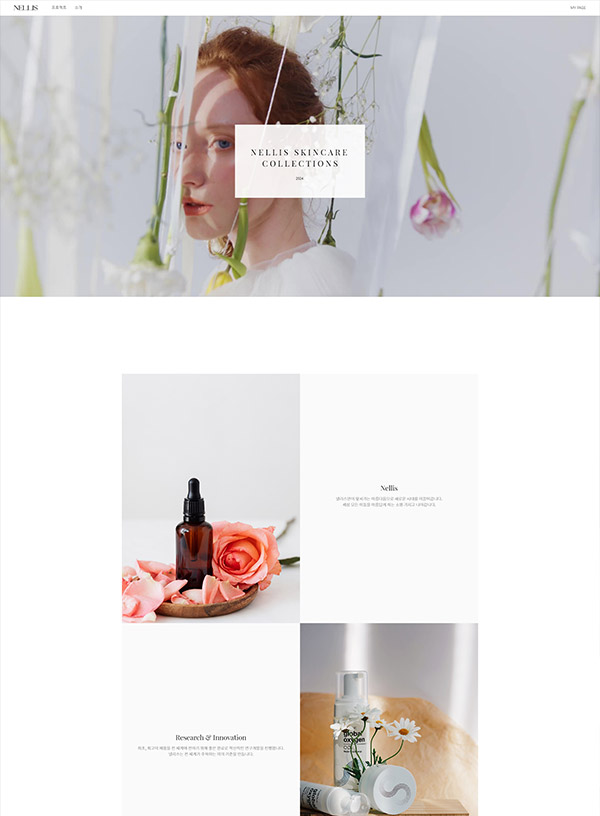
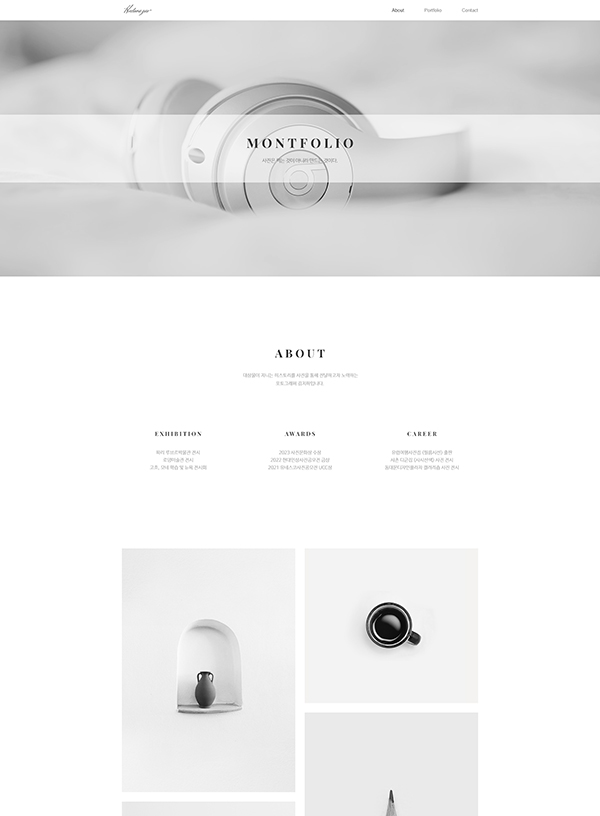
USE BLOCKS TO CREATE YOUR SITE EASY AND BEAUTIFUL!
Don't know any code? Not a problem. Use designed blocks to create your own responsive website. It’s FREE.
Sign up for free
EASIEST WAY TO CREATE A RESPONSIVE WEBSITE
It is easy as playing with blocks. The modular website editor makes it so easy to create your own website. Start playing with your blocks now.
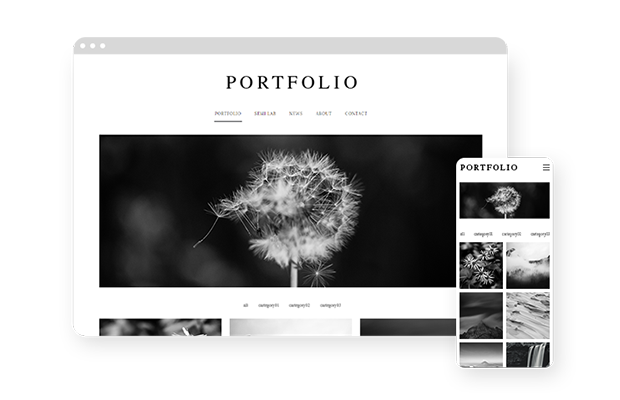
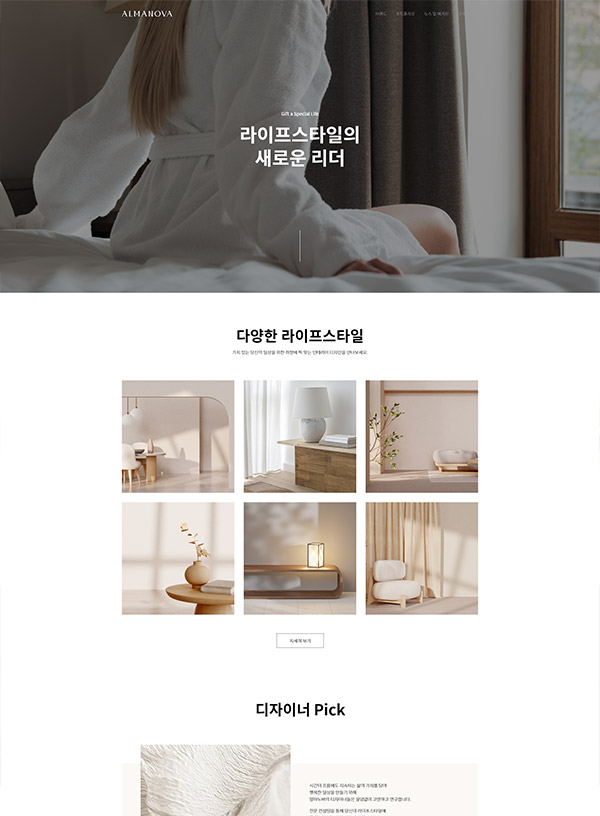
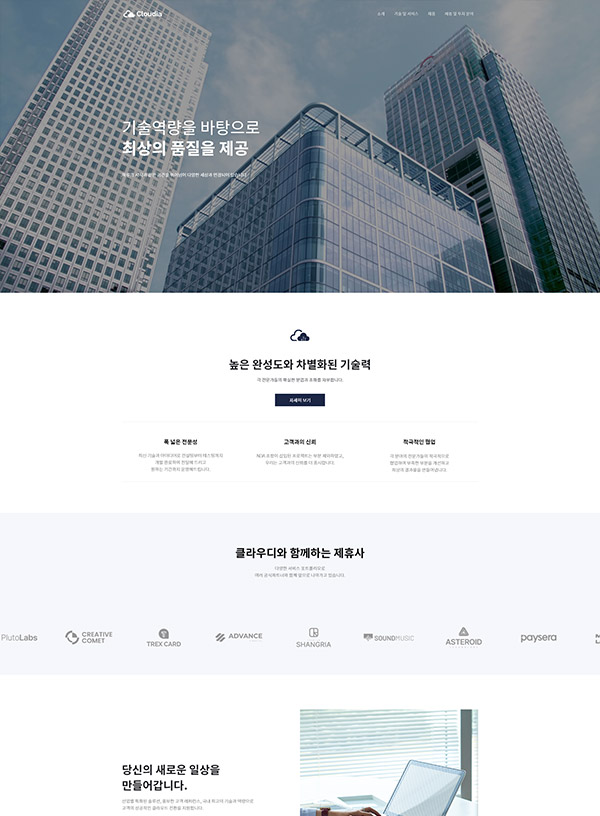
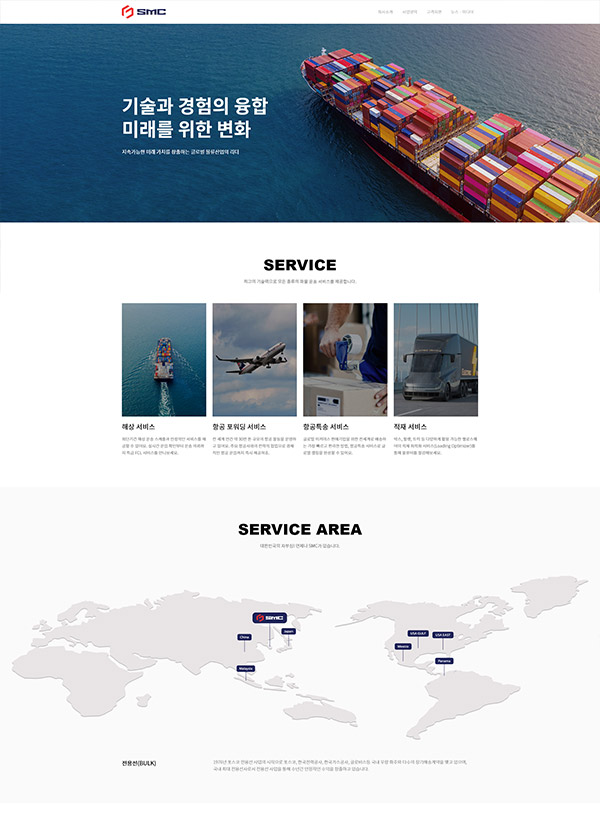
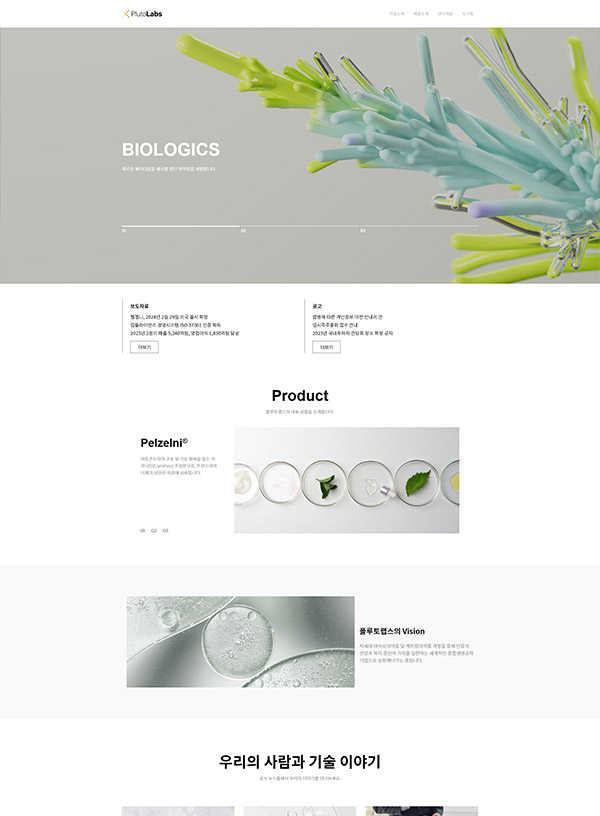
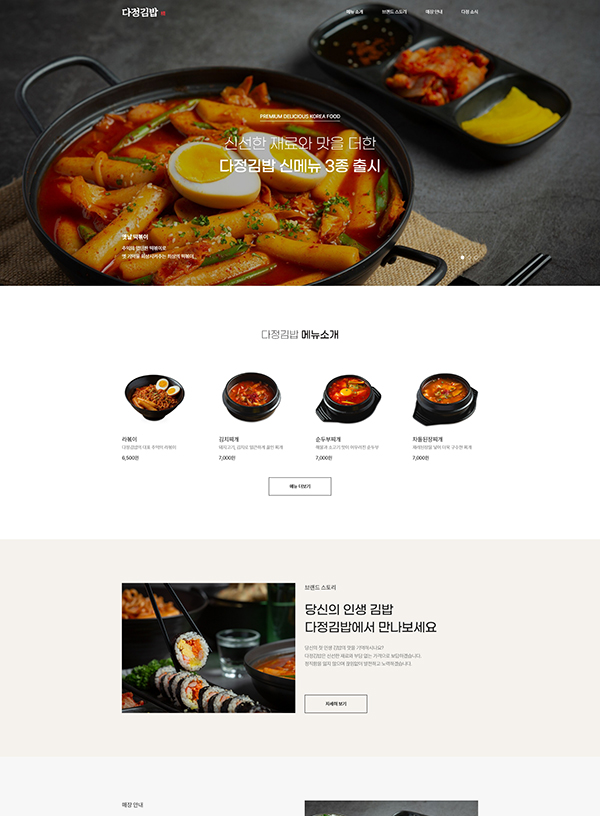
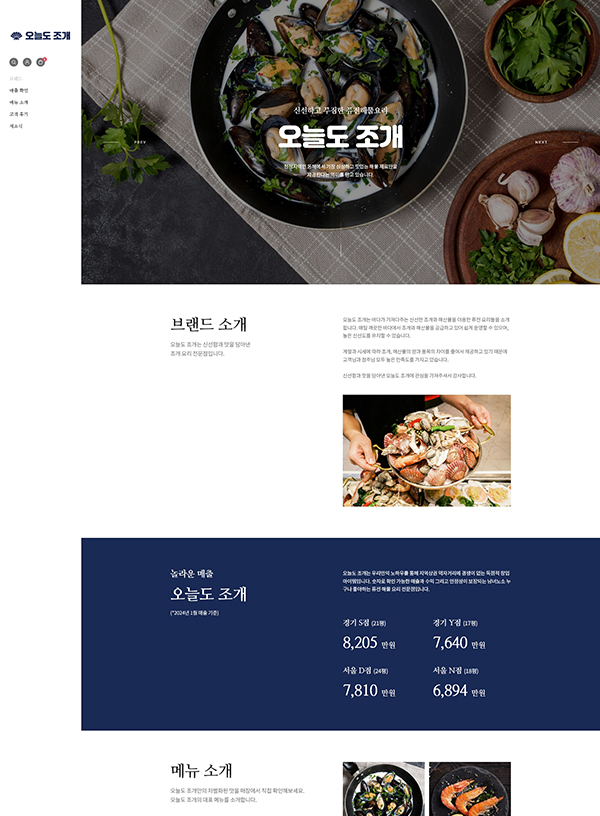
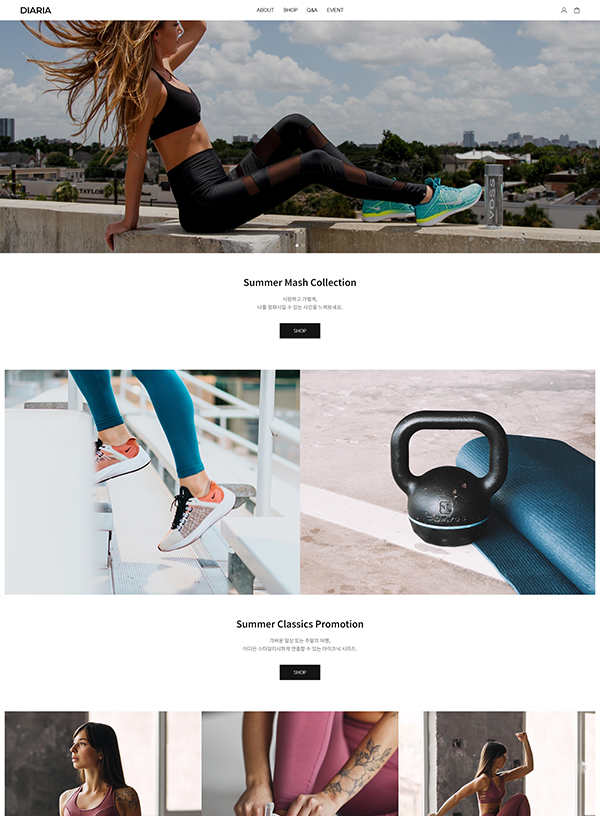
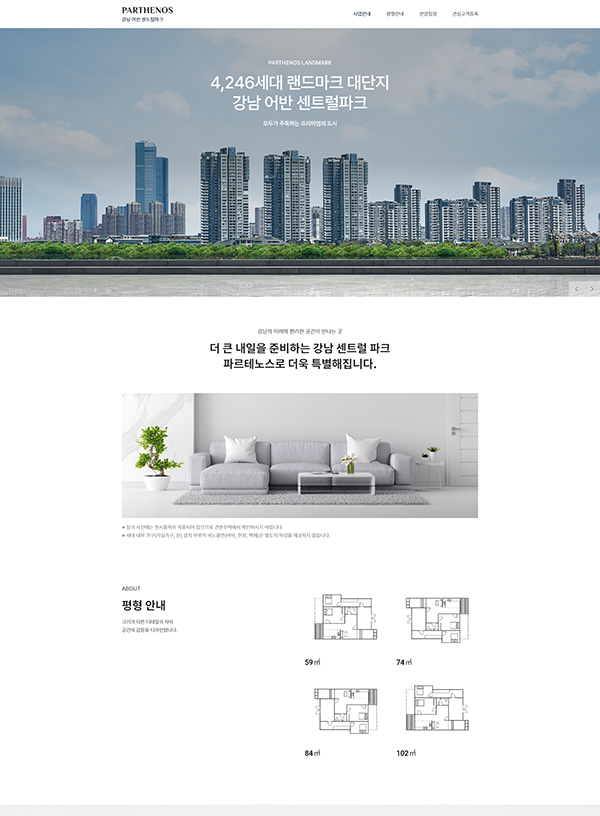
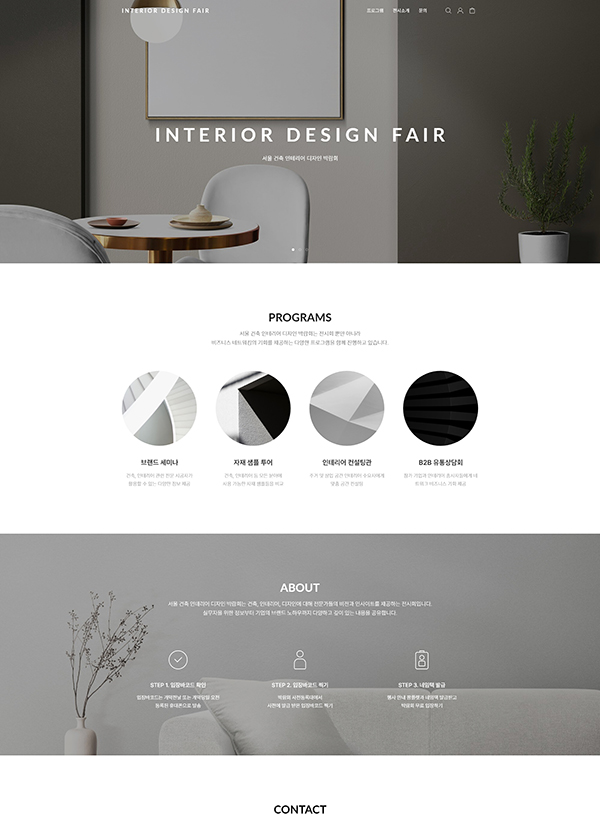
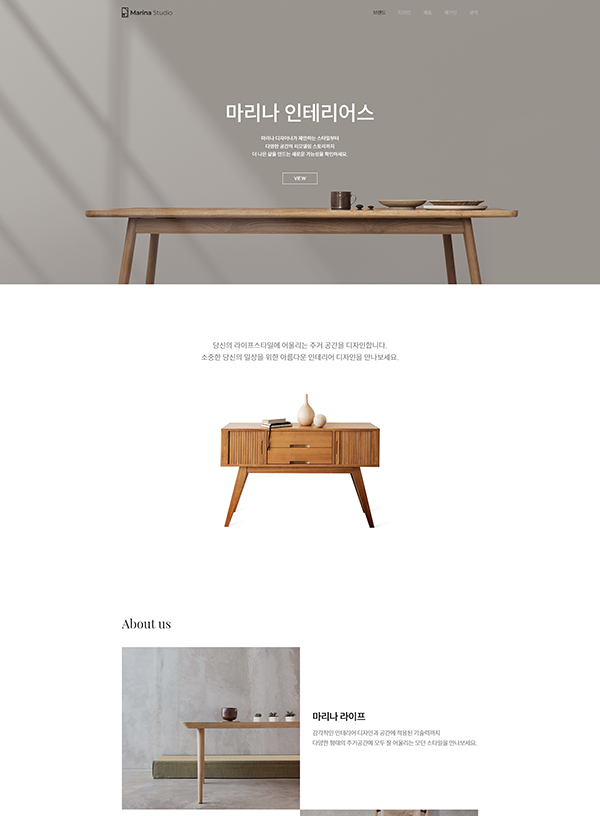
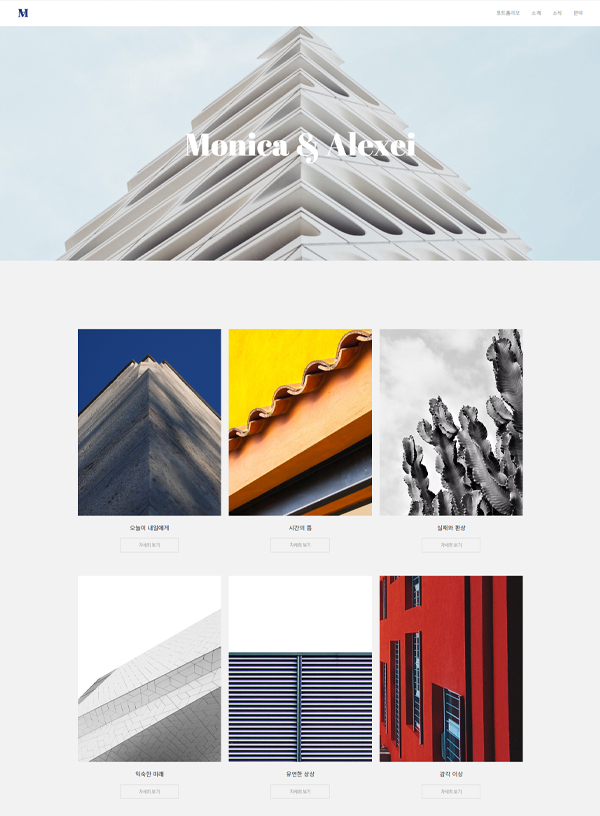
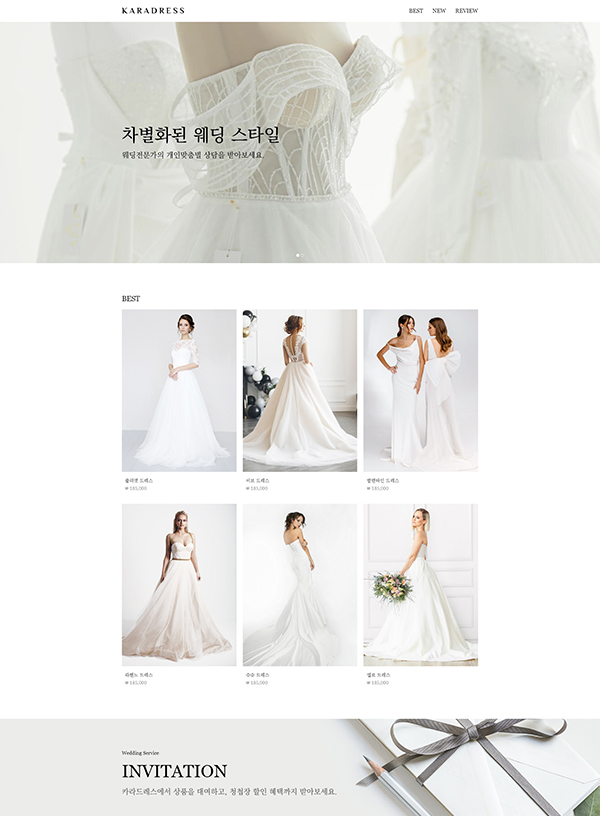
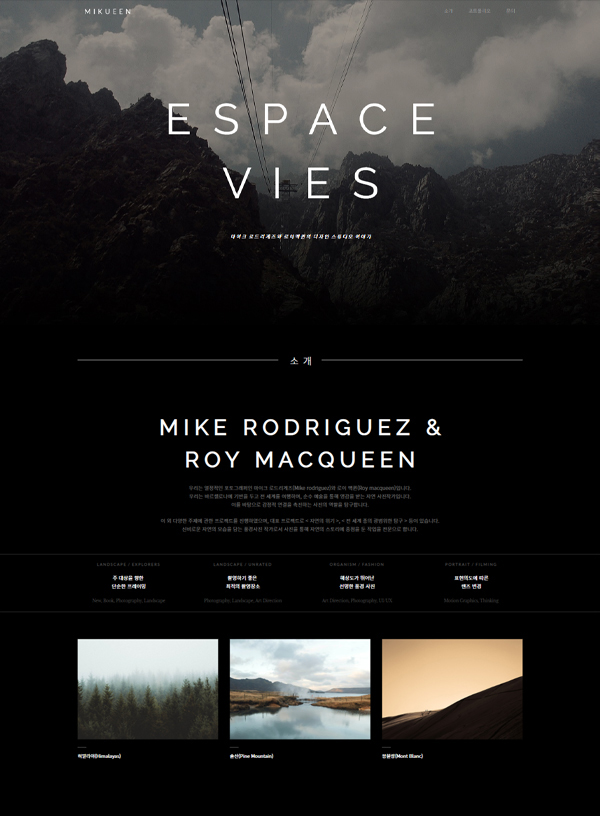
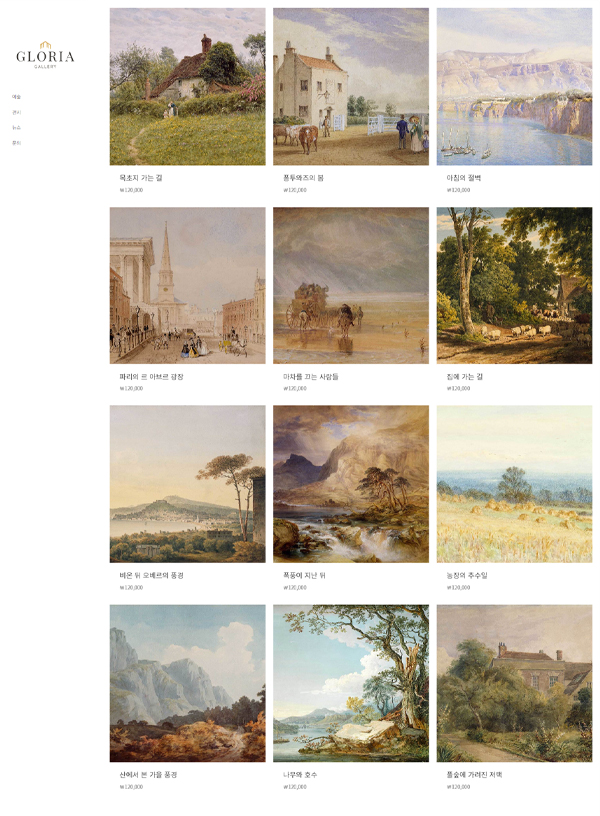
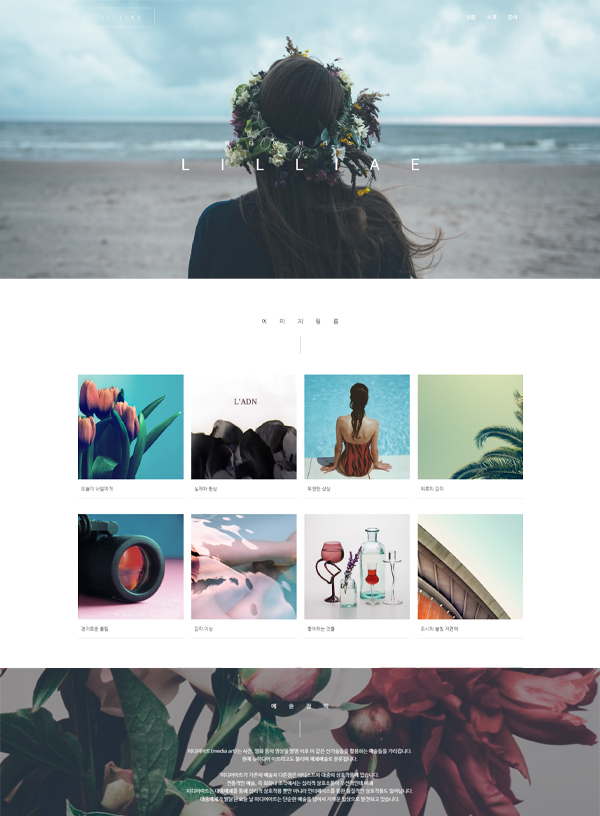
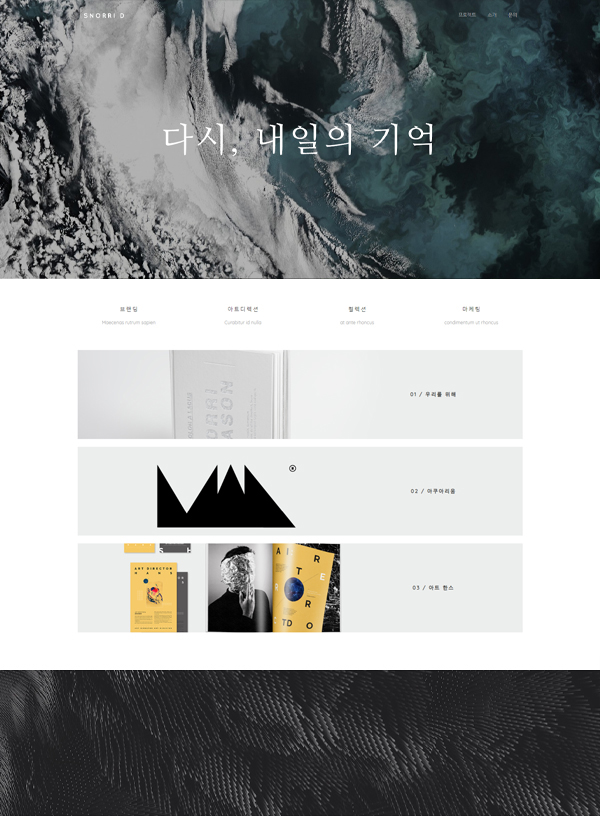
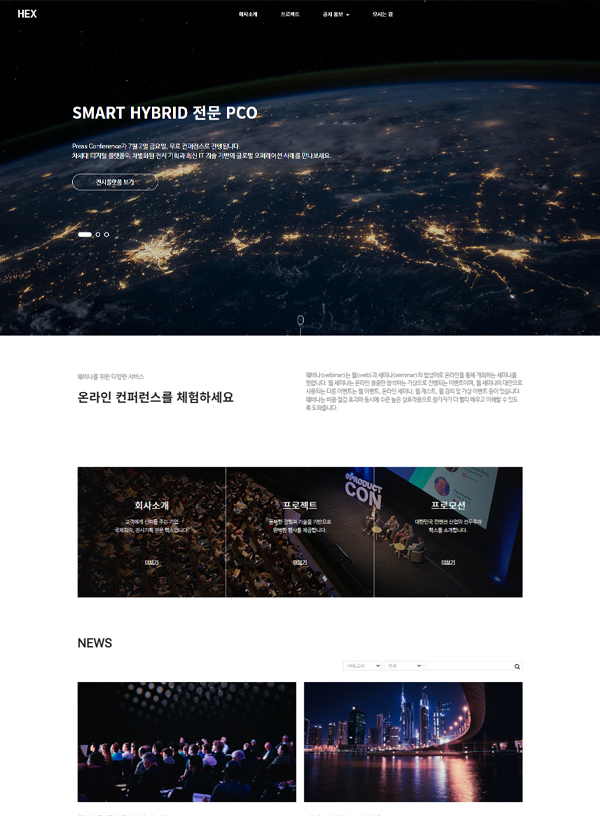
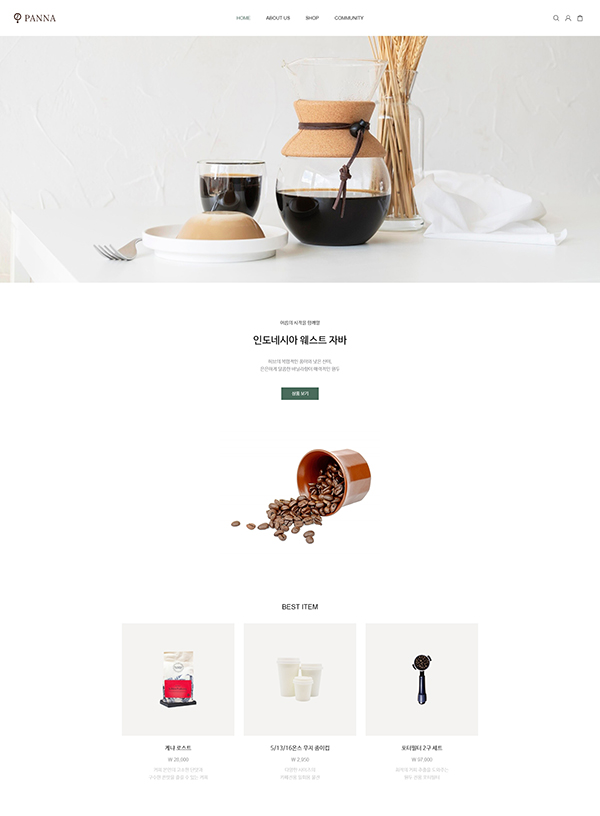
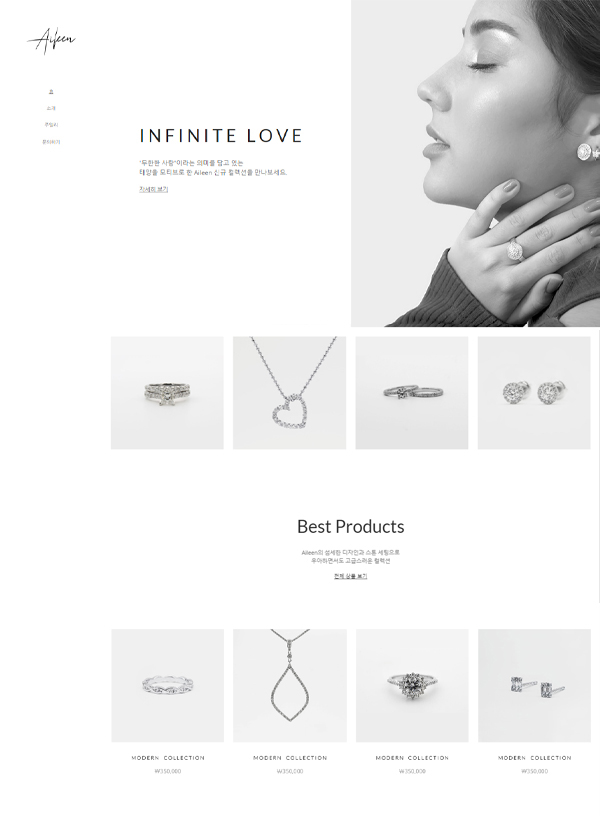
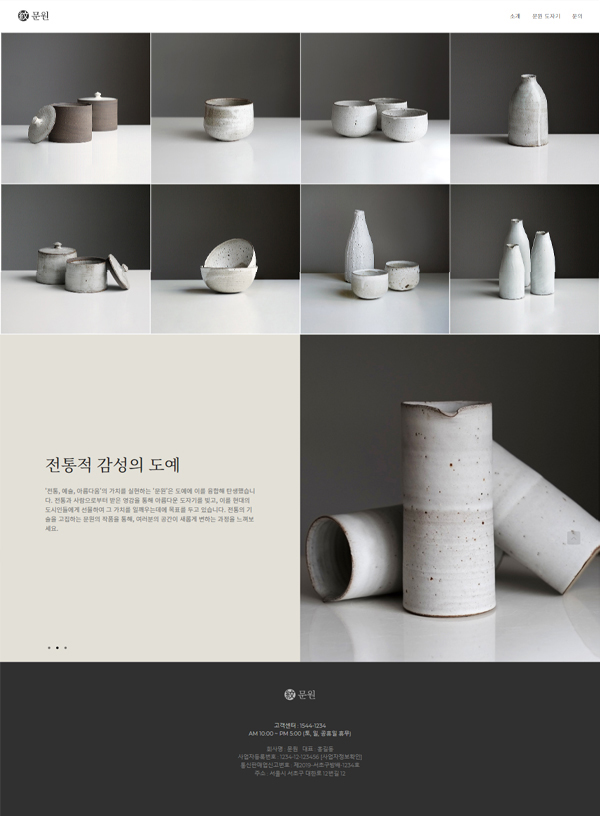
USE BEAUTIFUL TEMPLATES AND BE A PROFESSIONAL
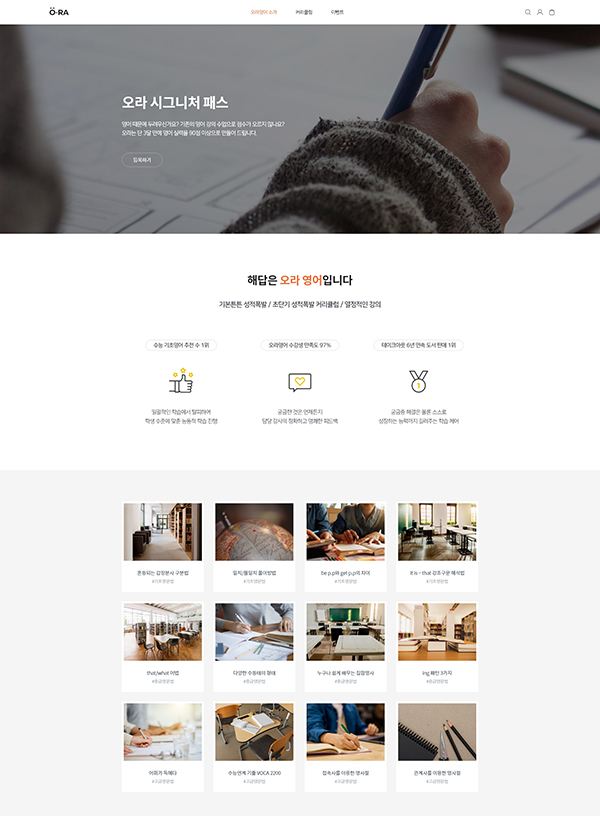
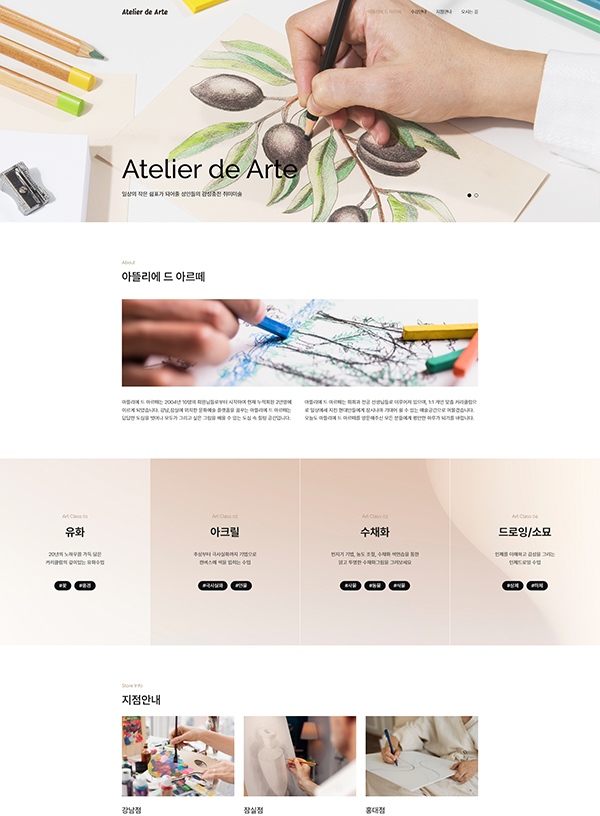
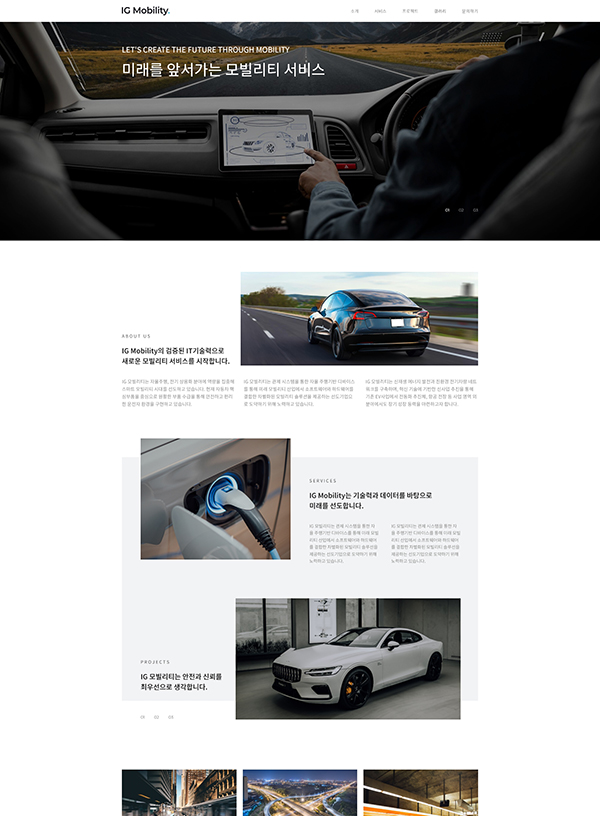
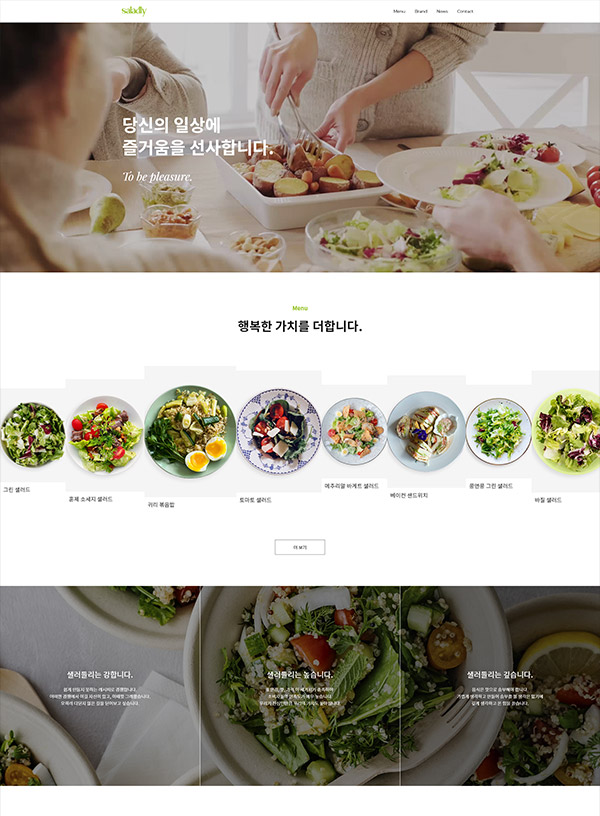
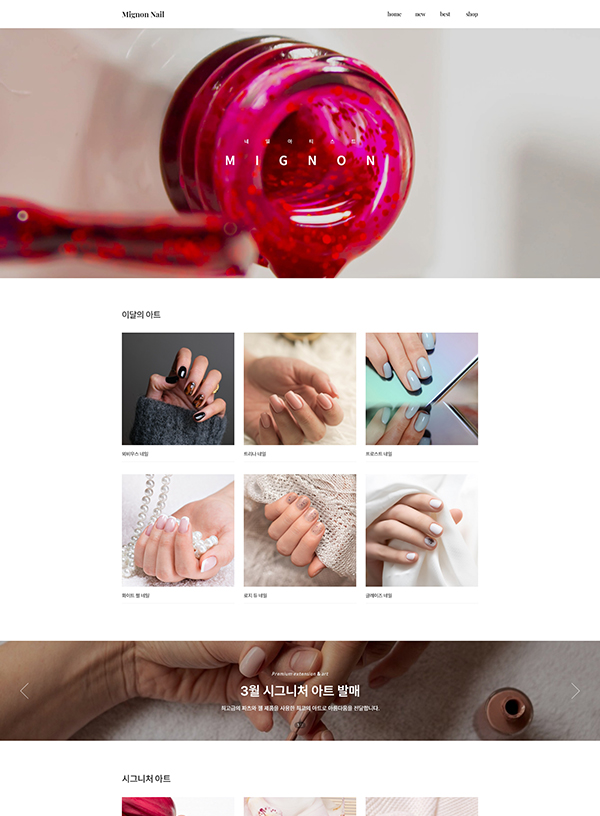
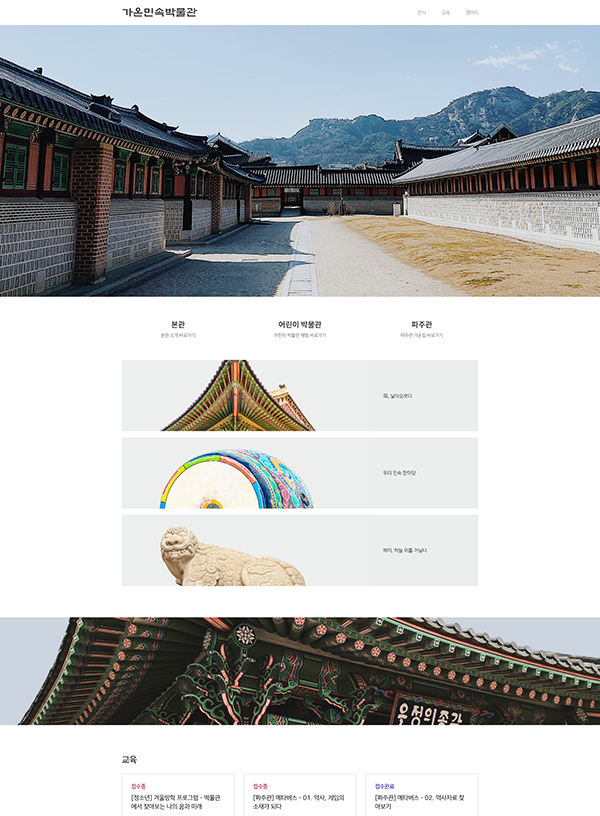
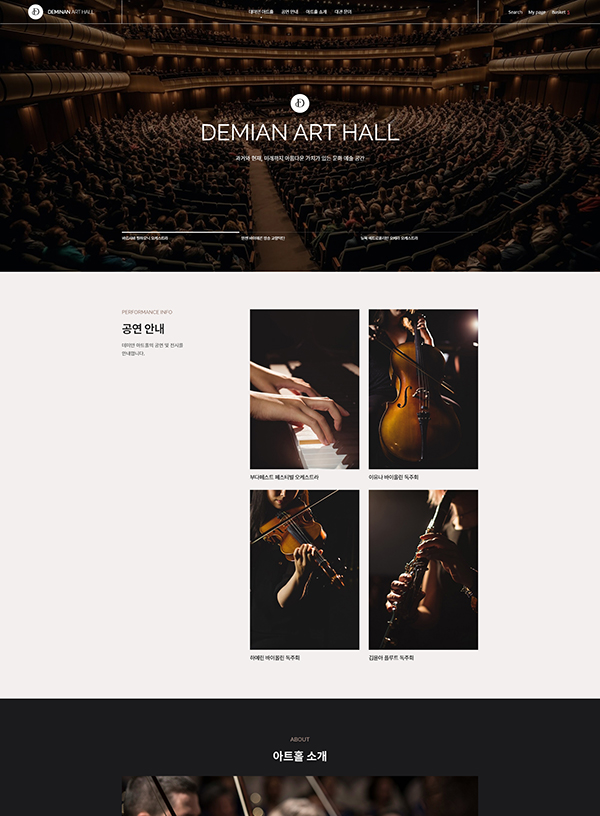
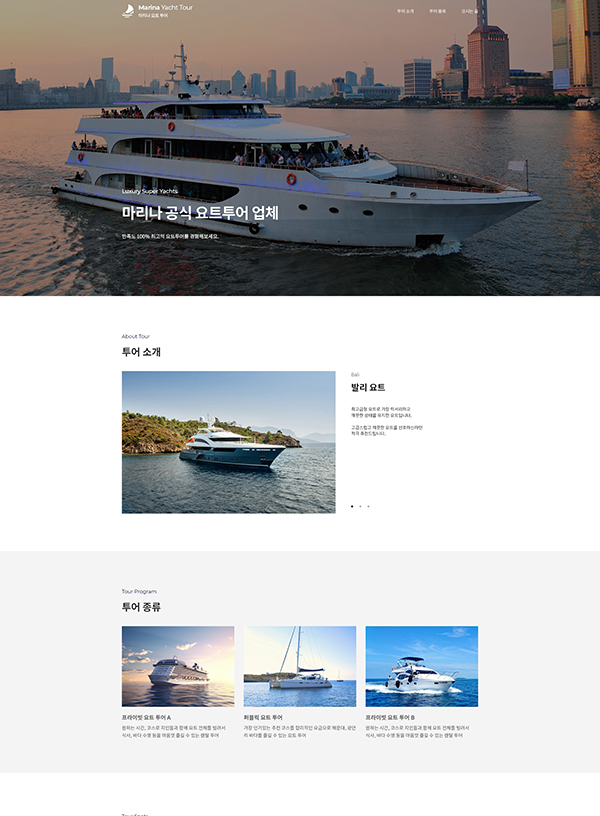
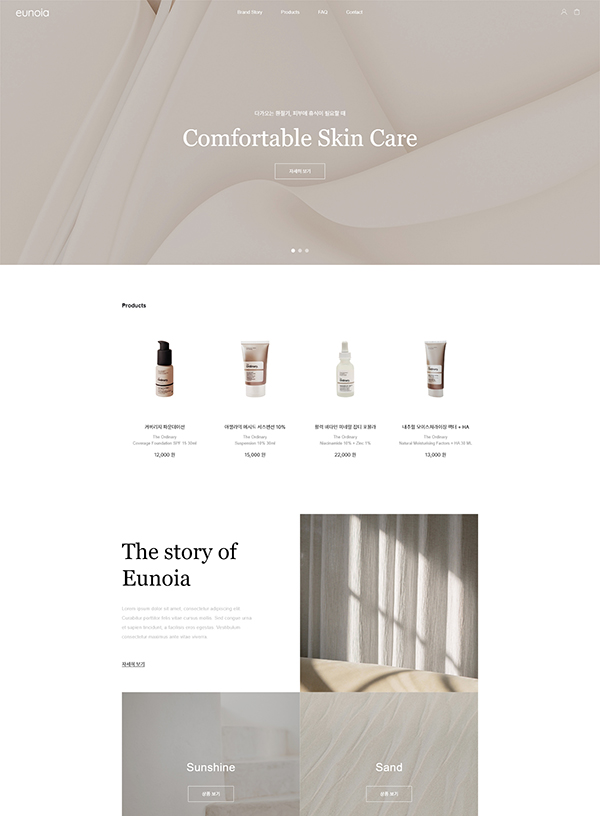
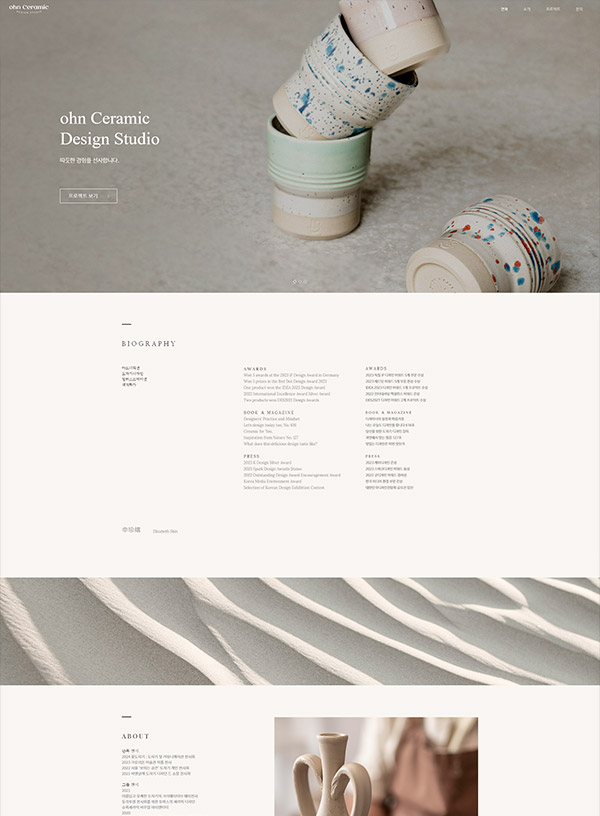
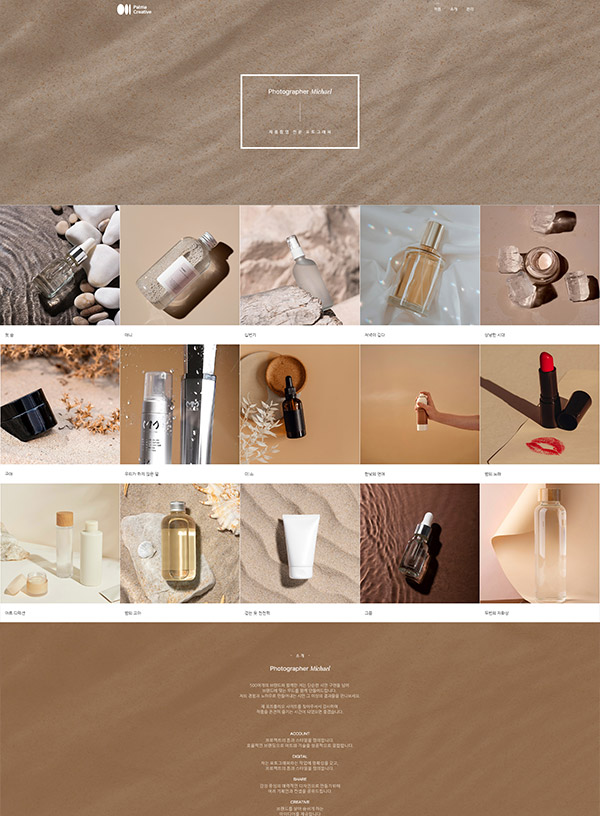
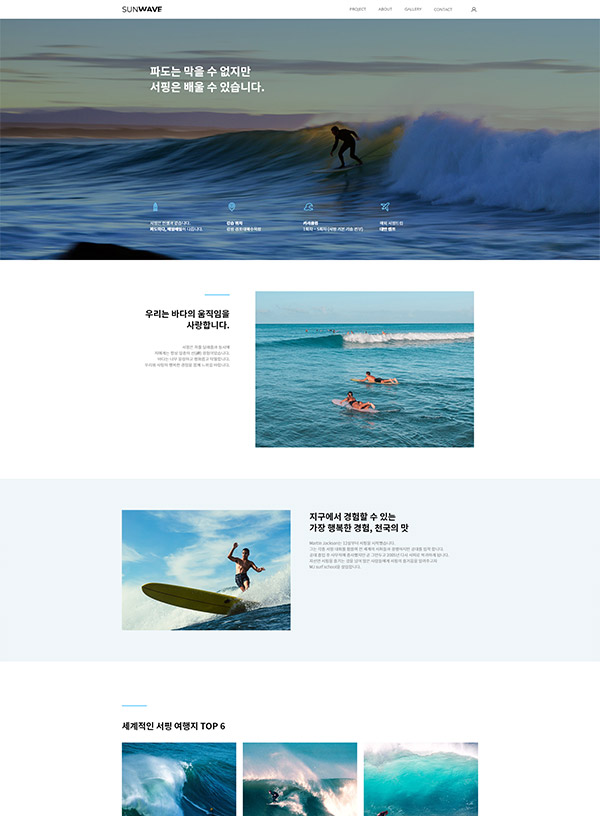
Create your website with stylish templates.
THERE ARE ALL THE FUNCTIONS YOU NEED TO MAKE A WEBSITE
RESPONSIVE DESIGN
SSL
SEO
DOMAIN EMAIL ADDRESS
CUSTOM DOMAIN
RESPONSIVE DESIGNThe built-in responsive design resizes your content and images to fit different devices and screen widths. So you don't need to create and maintain separate sites for every potential device, browser, and display width.
Yes. Creatorlink is a block-based website builder that allows you to create websites without any coding. Even beginners can easily build pages using simple clicks and text input.
Yes. Creatorlink is a responsive website builder. By creating just one website, your site is automatically optimized for PC, tablet, and mobile devices.
Yes. Many agencies and freelance website builders actively use Creatorlink. With the Business plan, you can separate sub-admin and site manager (client) roles, and the Creatorlink branding (brand mark) will not be displayed.
All content and management rights belong to the account owner who created the website. Ownership can be transferred to another account, if needed. And management permissions can also be granted to other users through contributor settings.
Yes. You can modify your design, text, images, and videos at any time in the site editor mode. Changes are only applied once you republish your site, and drafts remain invisible to visitors until then.
Yes. Many businesses operate online stores on Creatorlink, selling both physical and digital products. Creatorlink provides all essential ecommerce features, including payment integration, product, order, and shipping management. If you already have a Creatorlink website, you can convert it into an online store simply by applying a shopping (ecommerce)plan. Ecommerce plan details
Yes. You can easily manage basic SEO settings such as site titles, descriptions, and page-specific titles and descriptions directly from the admin page without any development knowledge.
Yes. Creatorlink is widely used for portfolio websites. Designers, freelancers, design studios, and solo entrepreneurs frequently use it to showcase their work and experience. It is also commonly used for personal blogs, mobile invitations, and many other types of sites.